How to Use Guide
Logo Color Studio offers two main ways to search for and edit logos.
The Name Logo Search allows you to find logos by entering the name of yourself, your friends, family, or partner.
Additionally, Initial Logo Generation lets you create an original logo by selecting two letters as initials.
Use each method to find and customize your unique logo.
Name Logo Search
1. Search Logos
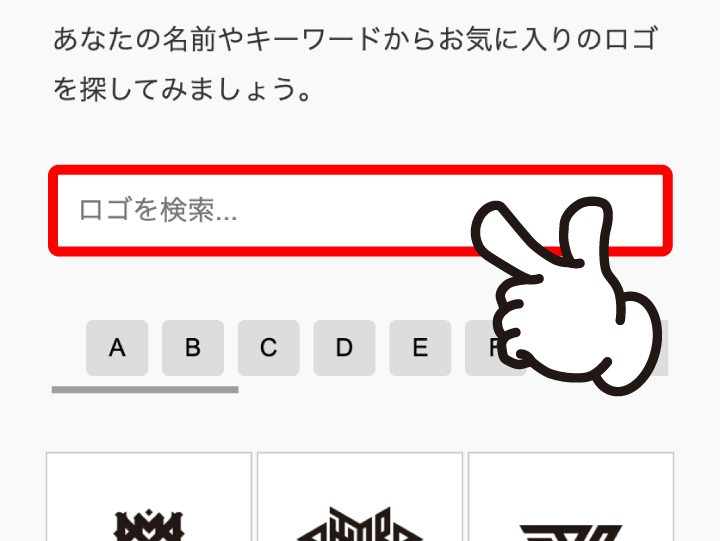
Enter a name or keyword in the search box on the top page to search for logos.
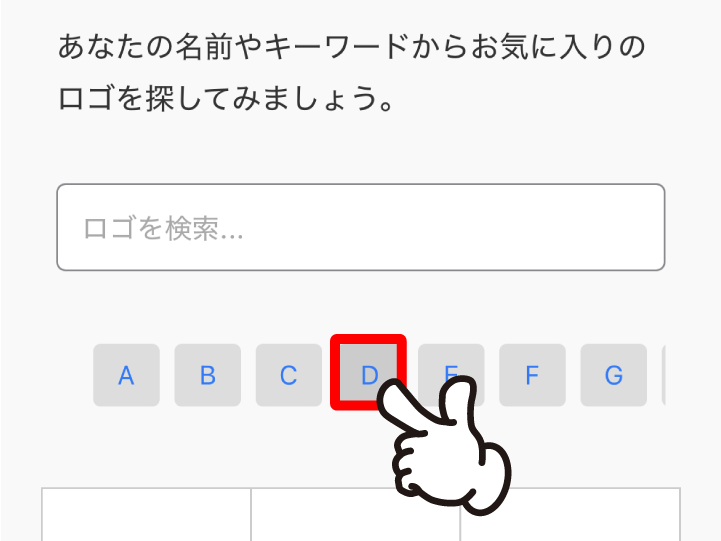
In addition to the search box, you can also search by selecting initials.
2. Edit Colors
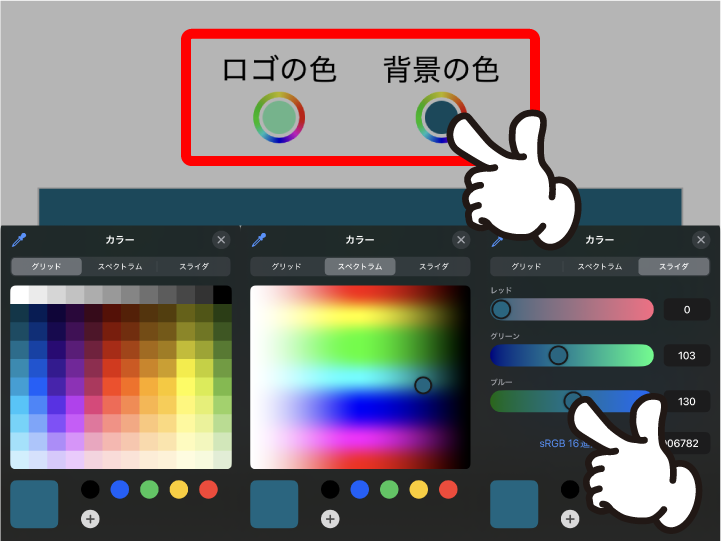
After selecting a logo, you can freely change the color and background color.
3. Download
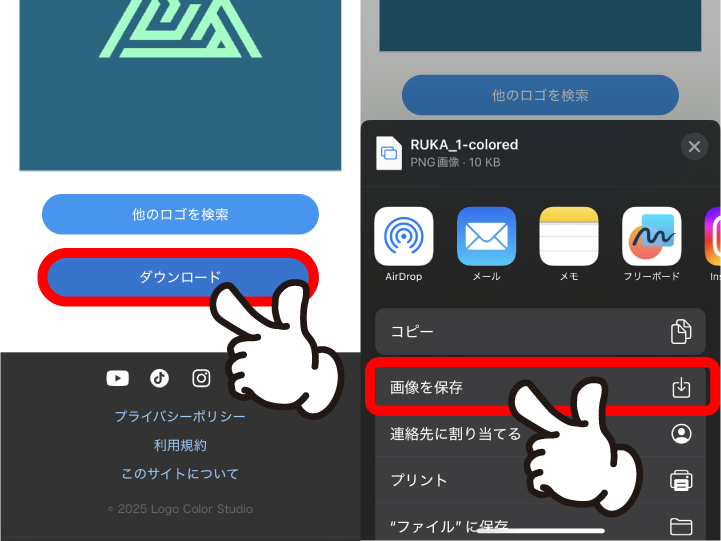
You can download the customized logo.
Initial Logo Generation
1. Enter Initials
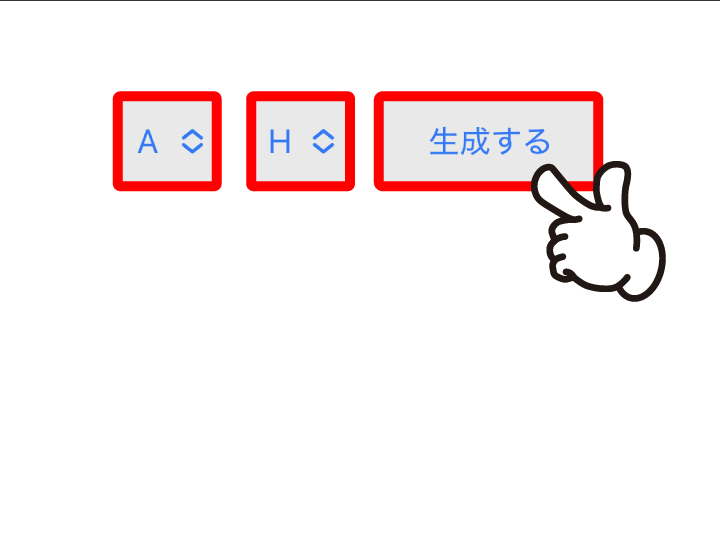
On the Initial Logo Generation page, select two alphabets to generate a logo.
2. Edit Colors
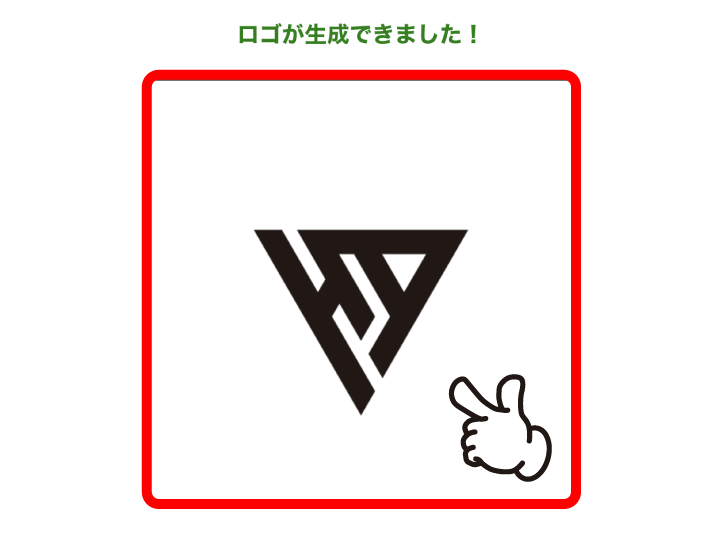
You can also change the color and background of the generated logo.
3. Download
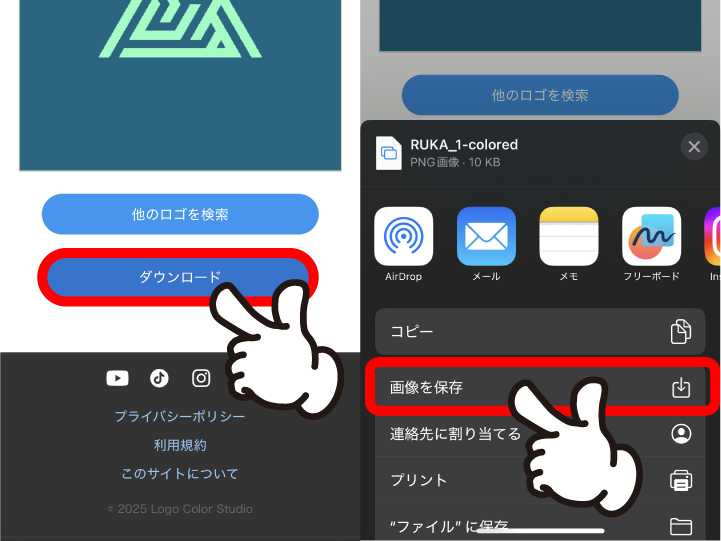
Download your customized logo.